


JSON Prompting + Veo 3.1: AI Video Ads
Step by step: an AI model writes you a structured JSON prompt, and you turn it into an 8-second ad clip in Google Flow with Veo 3.1.
You ask a model to write the prompt in JSON format, with every detail of the video you want: camera, lighting, transitions, sound and colors. Instead of cramming everything into one sentence, you get a clear structure where you control each detail separately. JSON only helps you organize the description and remember every element. Google does not require it, and Veo reads the prompt as plain text.
What a JSON prompt gives you over a plain prompt
Control every detail
Set each element on its own: angle, lighting, sound, color.
A complete description
Each element has its own field: camera, lighting, sound and colors, so nothing is left out.
Partial edits
Change one part without touching the rest of the video.
A reusable template
Save the template and reuse it for any product.
Open ChatGPT or Claude
Go to one of the models and ask it to write the JSON prompt for you:
- ChatGPT:
chatgpt.com - Claude:
claude.ai
# Type to the model:
Write me a JSON prompt for a video ad about [product / idea]Describe the video you want
The clearer you are, the closer the result gets to what you have in mind. Tell it:
- Product or service: exactly what you are promoting.
- Target audience: who will see the ad.
- Mood:
dramatic,professionalorfun. - Length: Veo 3.1 makes clips of 4, 6 or 8 seconds, so ask for 8 seconds.
Review the JSON you get back
The model returns structured JSON. The main keys:
Camera angles: close-up, wide shot, dramatic pan.
Lighting: the light setup and its intensity in the scene.
Transitions: how the video moves from one shot to the next.
Sound: sound effects and music.
Color: color tones and grading.
{
  "product": "perfume bottle",
  "mood": "dramatic",
  "camera_angles": ["close-up", "slow pan"],
  "lighting": "warm, soft",
  "color_grading": "warm gold",
  "duration": "8s"
}Edit any detail you want
This is where JSON helps: change one value and the rest stays the same.
- Change
close-uptowide shot. - Change the colors from
warmtocool. - Add a new shot without rewriting everything.
Paste the prompt into Google Flow
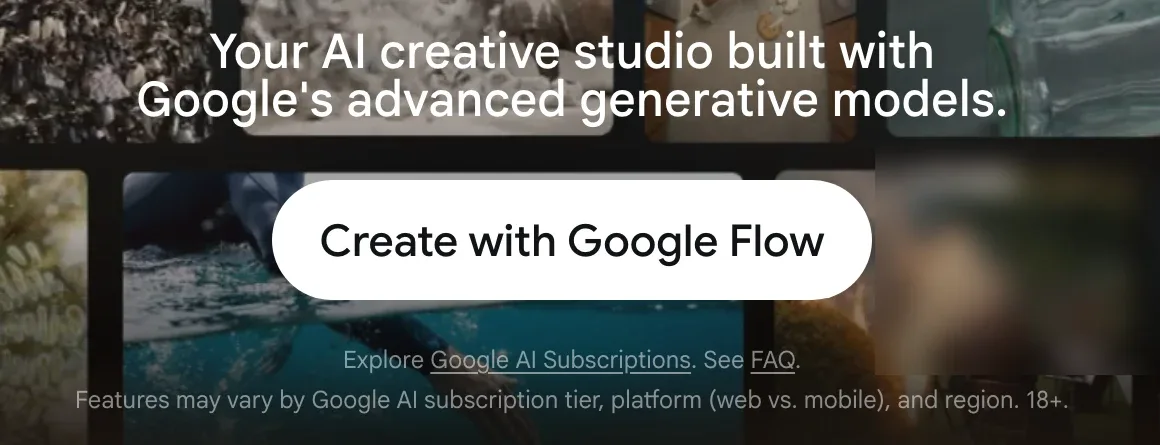
Open flow.google.com, click Create with Google Flow, then sign in with your Google account.
- Open an existing project or start a new one.
- Paste the JSON into the prompt box at the bottom.
- Click the model name, choose Video, then choose Veo 3.1 Lite and set the length to 8s.
- Click Generate.
Note: Flow's default model makes images (Nano Banana Pro), so switch to Video before you generate. Every account gets 50 free Flow credits a day, and one clip with Veo 3.1 Lite uses 10 credits, so you can make about 5 free clips a day. Without a subscription, video generation may be unavailable at peak times (about 2 to 5 PM UTC, which is 6 to 9 PM in the UAE). You must be 18 or older to use Flow, and it is available in the UAE and the rest of the Gulf. Google announced that Veo 3.1 Fast and Veo 3.1 Quality leave Flow on 5 December 2026; Veo 3.1 Lite stays, and Google recommends Veo 3.1 Lite or Omni Flash 1.2 instead. The Gemini app now makes video with a different model (Gemini Omni), so use Flow if you want Veo.
Check the result
Within minutes you get an 8-second clip with sound. If one part is not what you wanted, change one value in the JSON and generate again. Each new attempt uses credits.
Where to use it
Instagram ads
Quick product ads for Reels and Stories.
Marketing content
Promotional clips for your brand with a consistent visual identity.
Brand story
Videos that tell your brand's story in a cinematic style.
Offers and campaigns
Special offers and seasonal campaigns you can launch quickly.
Quick checklist
Sources: Google DeepMind (Veo 3.1); Google Flow Help (models, credits, countries); Google Cloud prompting guide for Veo 3.1. Checked November 2026.
Want your team to use this at work?
I'm Abdulaziz Alshamsi, a certified AI trainer and consultant in Abu Dhabi. I train government and company teams to use AI in their daily work. Message me to discuss a session for your team.