
From zero to AI in 6 months
A week-by-week plan that starts when you know nothing and ends with an AI tool published online under your name.
This is not a path for memorizing theory. It is a path of using and building: you use AI from week one, you finish every month with one completed project, and after 6 months you have a live link people can open and try. Every resource here has been checked, and you can finish the whole path at zero cost and without a bank card. Wherever a lesson offers a paid route, the free alternative is listed next to it.
Before you start: is this path for you?
- Yes, if: you are starting from absolute zero (no coding, no technical background), you have a job or studies and less than an hour a day, and you want to build rather than memorize.
- No, if: you want an accredited academic certificate, or you want to become a machine learning researcher.
The honest requirements
5 to 7 hours a week (about 22 hours a month, about 135 hours in total). Less time? Stretch the path to 9 months, and do not cut anything from it.
Any laptop, or even a tablet for the first two months. From month 3: a laptop and a stable internet connection. You do not need a powerful machine: all the coding in months 3 and 4 runs in the browser. Only one lesson in month 6 runs locally, and it has a free cloud alternative.
Google · GitHub · Hugging Face · Kaggle, plus a free account on ChatGPT, Claude or Gemini. None of them need a bank card.
Months 1 and 2 include several Arabic resources (tagged Arabic) next to English ones, and from month 3 most sources are in English. The Python course in months 3 and 4 is in Arabic, with an English alternative listed.
Zero. Some lessons offer an optional paid route (an API key of about $5), and each time the free alternative is listed. You can finish the whole path at zero cost and without a bank card.
How to handle a source in another language: turn on YouTube auto-translate (Settings, then Subtitles/CC, then Auto-translate, then your language), and use your browser's translation for websites. Better still: paste the lesson into ChatGPT or Claude and ask "Explain this to me as a beginner, then quiz me with three questions." That is itself one of the skills on this path.
Where you will be after 6 months
- You use language models daily at work, more effectively than most of your colleagues.
- You write structured prompts that give predictable, repeatable results.
- You read, edit and write simple Python scripts with AI help.
- You automate a repetitive task at work from start to finish with a script you own.
- You build an AI agent that uses external tools and carries out a multi-step task.
- You build a simple RAG system that answers from your own documents.
- You publish a live tool at a public link anyone can open.
- You follow developments in the field without drowning in them.
What you will not be: a machine learning researcher, an MLOps engineer, or someone who trains models from scratch. This is the path of using and building, which is where people are being hired today.
The map at a glance
Month 1: Use
Goal: make AI a tool in your hands every day, not something you hear about.
Week by week
Sources · hours are estimates
Note: Elements of AI has six chapters. Do not finish it now; the first three are enough. The same Google course is also on Coursera, but Coursera now asks you to pay for it, so take it free on Google Skills.
Project: your personal prompt notebook
One file (Google Docs is enough) with 20 prompts you actually used at work or in your studies, and next to each one: what the result was, and what you changed to make it better.
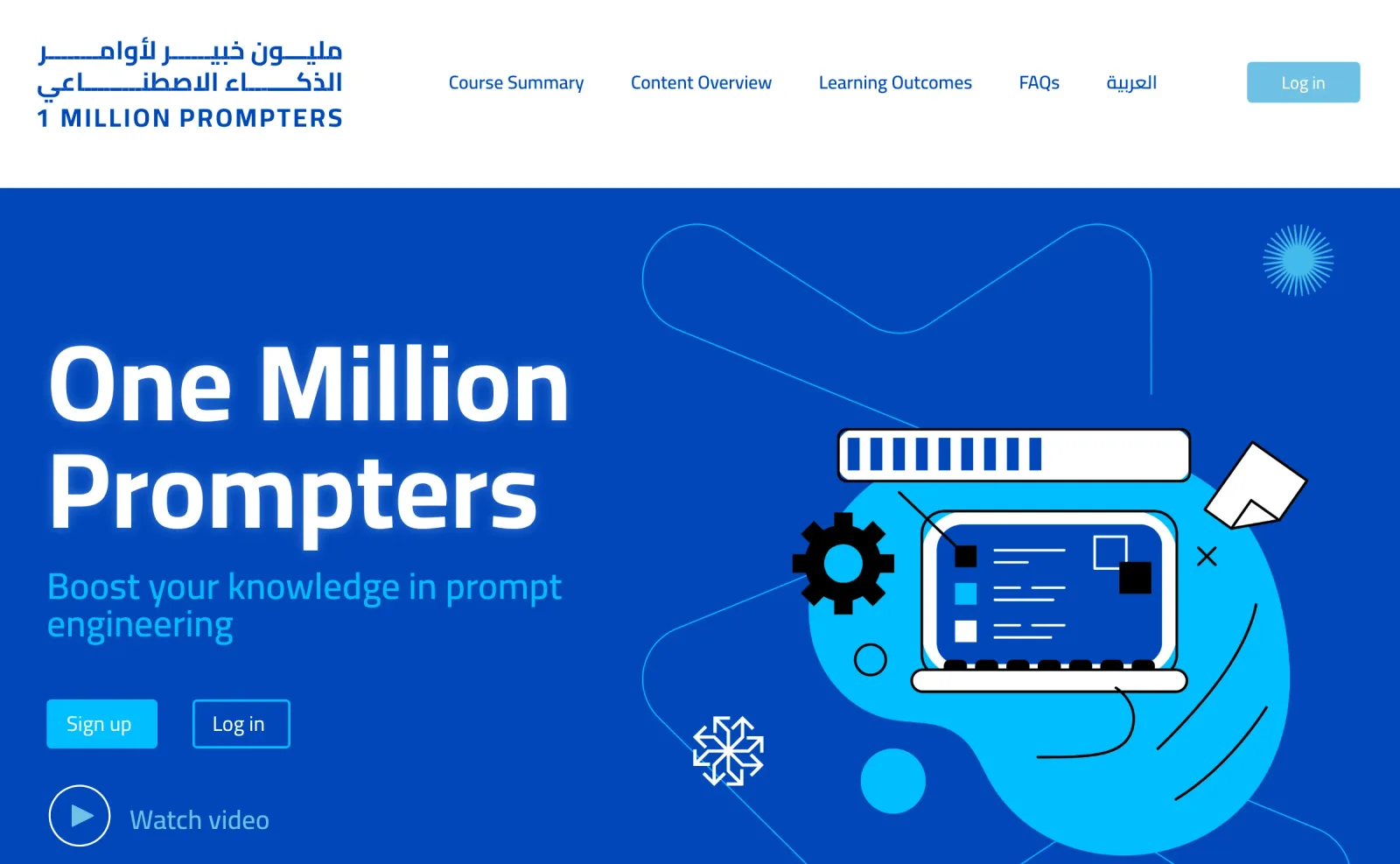
You have finished the month when: you used AI on at least 20 of 30 days, you have the One Million Prompters certificate, and your notebook holds 20 real prompts from your own work, not examples copied from the internet.
Month 2: Direct
Goal: get the result you want on the first or second try, not the tenth.
Week by week
Sources · hours are estimates
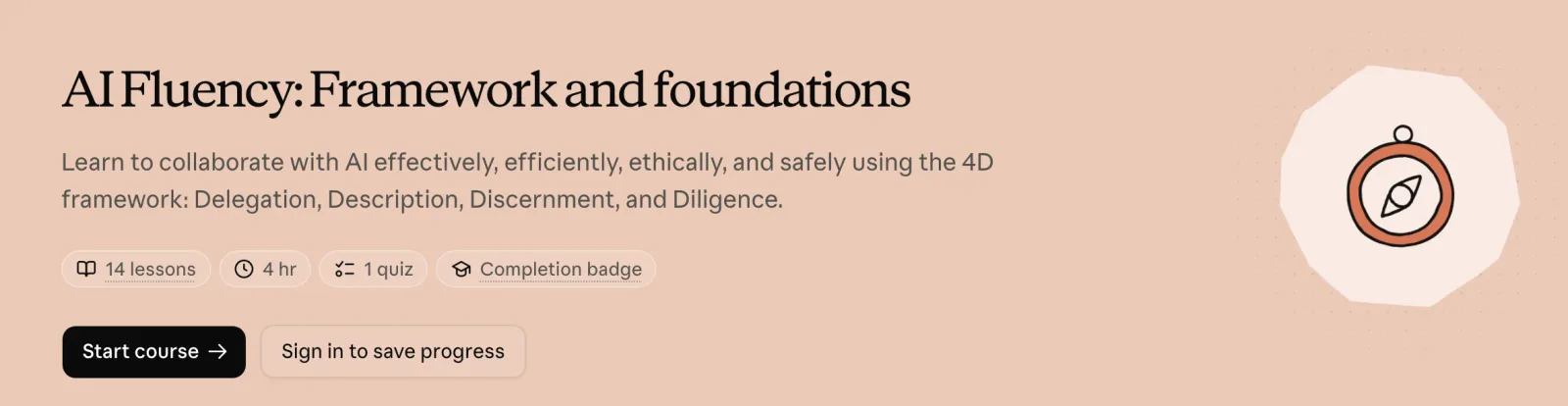
Watch the cost: the notebooks in Anthropic's interactive course need a paid API key, and the repository is archived and no longer updated. For zero cost, read the lessons and try their examples by hand in the free Claude web app; you get the same benefit. The model names in it are old (Claude 3), but the techniques have not changed. Anthropic's academy has moved to academy.claude.com, and the old site anthropic.skilljar.com closes in December 2026.
Project: your own assistant
Pick a task you repeat every week (a report, replies to clients, meeting summaries, a post). Build a fixed prompt system or a dedicated Project for it in Claude or ChatGPT, and use it 4 times. Record how long the task took before, and how long it takes now.
You have finished the month when: you have cut the time of a real weekly task in half or more, and you can hand your prompt system to someone else and it works for them as it does for you.
Month 3: Understand and start coding
Goal: understand why the model makes mistakes, and write the first line of Python of your life.
Week by week
Sources · hours are estimates
Do not want to code at all? Replace weeks 2 to 4 with the rest of the Claude Academy courses, and build three specialized assistants instead of one. The path stays useful, but it stops at month 4. If you prefer English, the alternative to Elzero is AI Python for Beginners from DeepLearning.AI: learning is free, and only the certificate is paid.
Project: your first working script
In a Kaggle notebook: a script that reads a text file or a spreadsheet, cleans it, and outputs a summary. Write it with AI help, but understand every line, and do not keep a line you cannot explain.
You have finished the month when: your script runs, you can explain what each line does, and you can write one page explaining what a token is and why the model "hallucinates".
Month 4: Build
Goal: turn a repetitive task in your life into a tool that works at the press of a button.
Week by week
Sources · hours are estimates
Heads-up: the Claude Code course is free to watch, but using the tool itself needs a paid plan (Pro or higher). Watch the course to learn the method, and do the hands-on work with the free web versions of ChatGPT, Claude or Gemini.
Project: a real automation tool
A Python script that automates a task you really do every week: organizing files, turning a spreadsheet into a report, generating 30 headlines from a list of topics. Put it on GitHub with a README that explains what it does and how to run it.
You have finished the month when: the tool is on GitHub, and someone else can run it from the instructions alone without asking you.
Month 5: Agents
Goal: build a system that decides and carries out several steps on its own, not one that only replies to you.
Week by week
Sources · hours are estimates
The plain truth: free courses on building agents are often bootcamps with fixed registration dates, such as the "Building AI Agents" bootcamp from the SDAIA Academy in partnership with Groq (held in September 2025). Register if one opens, but do not build your plan around them, because they will not wait for you. The code samples in the Microsoft repository now need an Azure account and subscription, so read the lessons and apply their patterns with a free model through Groq or OpenRouter. The freeCodeCamp examples use a paid OpenAI key: learn the method from it, and build with a free model. That is exactly the skill you built in month 2.
Project: your first agent
An agent that uses at least one external tool (search, a calculator, reading a file) and carries out a task of 3 or more steps. Pick one framework and stick with it; do not compare frameworks now.
You have finished the month when: your agent completes a 3-step task without your help, and you can draw on paper how it decides which tool to call and when.
Month 6: Publish
Goal: have a live link anyone can open to try what you built.
Week by week
Sources · hours are estimates
Zero cost: the LlamaIndex lesson uses fully open models (Llama 3.1 through Ollama), with no paid API. But it runs the model locally, and the page itself says it needs about 32 GB of memory. If your machine is weaker, swap the local model for a free model through Hugging Face or Groq; the pattern stays the same.
Project: a published product
A live app on Hugging Face Spaces: an agent, an assistant that answers from your documents (RAG), or a specialized tool for your field. With a public link, an interface a non-technical person understands, and a plain explanation.
You have finished the path when: you sent the link to five people, and they used it without you explaining how.
What not to learn now
These are excellent things, but not at this stage. Postponing them is not a gap in the path; it is what makes the path work.
The mistakes that kill the path
- "I will learn to code first, then start." Wrong. You use AI in week one.
- Paying because a page suggests you should. Some platforms offer a "free trial" and then charge you. All the content on this path can be watched for free.
- Watching without doing. Every hour of watching needs an hour of practice, or you are watching entertainment.
- Jumping to agents before Python. This is where most people drop out. Do not skip month 4.
- Giving up because of the language. You have a professional-level translator open in your browser, so use it.
- Watching Karpathy in week one. You will feel lost for no reason. Keep the order used here.
- Disappearing for two weeks, then starting over. Missed a week? Continue where you stopped, and do not go back to the beginning.
How to prove your skill after 6 months
Free certificates worth having
One Million Prompters is the best known locally in the UAE and the Gulf, and it is government-backed. Next is Hugging Face Agents, the closest to real technical practice, then Maharatech and IBM SkillsBuild, and Elements of AI from the University of Helsinki (its certificate is free).
A live link, the strongest proof
An app published on Hugging Face Spaces that anyone can open. This is the strongest evidence there is, and no certificate matches it.
A written portfolio
A GitHub account with 3 projects that have clear README files, and your prompt notebook from month 1, now a reference you can hand to a whole team.
Learning in public
Share your progress publicly every month, and explain what you built. Teaching is the strongest proof of understanding. If you cannot find a community that suits you, start one: three people going through the same months with you is enough.
Launch checklist: do this today
Sources: the official platform pages for each course (dub.ai, Google Skills, Maharatech, Elements of AI, Claude Academy, Kaggle, DeepLearning.AI, Microsoft on GitHub, Hugging Face, LlamaIndex). Every link, price and duration was checked, and the whole path can be finished at zero cost. Checked November 2026.
Want your team to use this at work?
I'm Abdulaziz Alshamsi, a certified AI trainer and consultant in Abu Dhabi. I train government and company teams to use AI in their daily work. Message me to discuss a session for your team.